You may have recently noticed, that we have changed the way your ReComply Record book and Online Forms/Logs
are viewed. After much user feedback and research, it was determined that the current way of viewing
Record Books did not give our users the smooth and seamless experience that we wanted.
Access to Record Books has not changed at all, however since there are many users that log in with the purpose
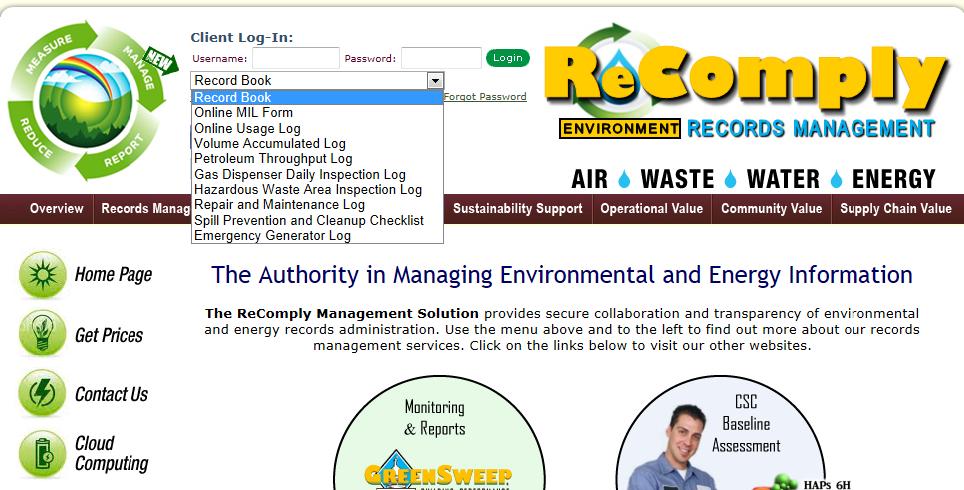
of filling out one of our many online forms, we have expedited that process; allowing access to all online forms
via the main ReComply website. Simply select which form you would like to view from the drop down menu,
enter your username and password, and press the login button.
Below is a brief overview of the other major changes that have taken place. Please don't hesitate to give us your
feedback, good or bad, and please let us know of any issues/problems that you may come across.
We hope that the new ReComply Record Book will provide you with a smooth and seamless experience.
To access your Record Book, enter your username and password and log in. In order to access any online forms,
select the form name from the menu, and proceed as indicated above.
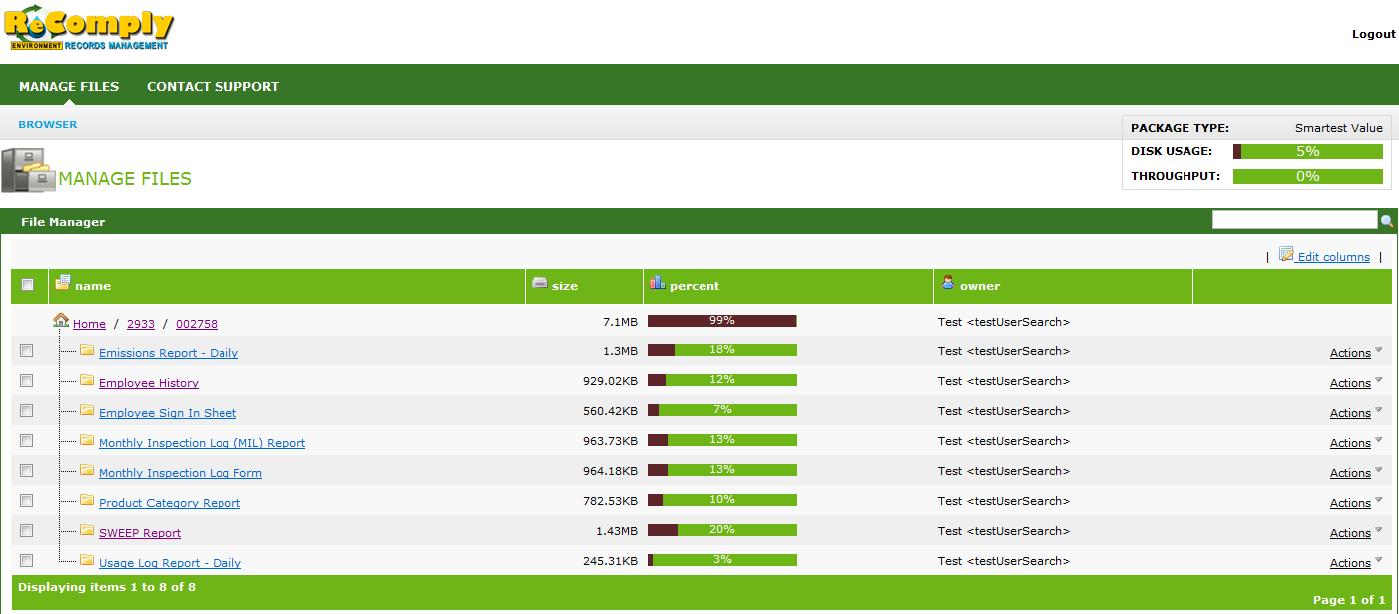
Once logged in, you will notice that the view is very simplistic. You will see a list of folders, named based on what
reports are contained within. For example, if you click on the folder named "SWEEP Report", you will see a list of the
most recent SWEEP Reports for your facility.
Each file/report is named based on the dates the report was ran for. For example, the first file/report has a filename of
10-1-2010_10-31-2010_1-1-2010_50_002758; this means that this SWEEP Report is for October 1st 2010 through
October 31st 2010.
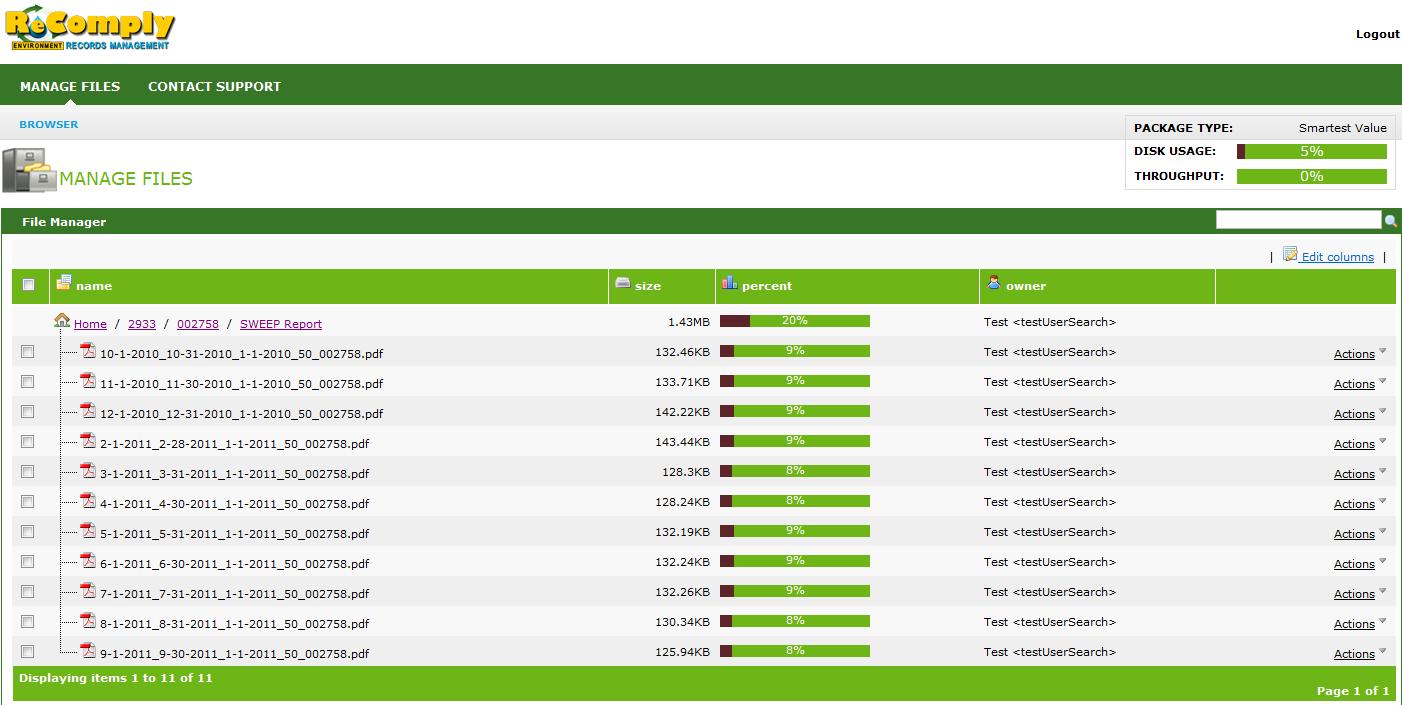
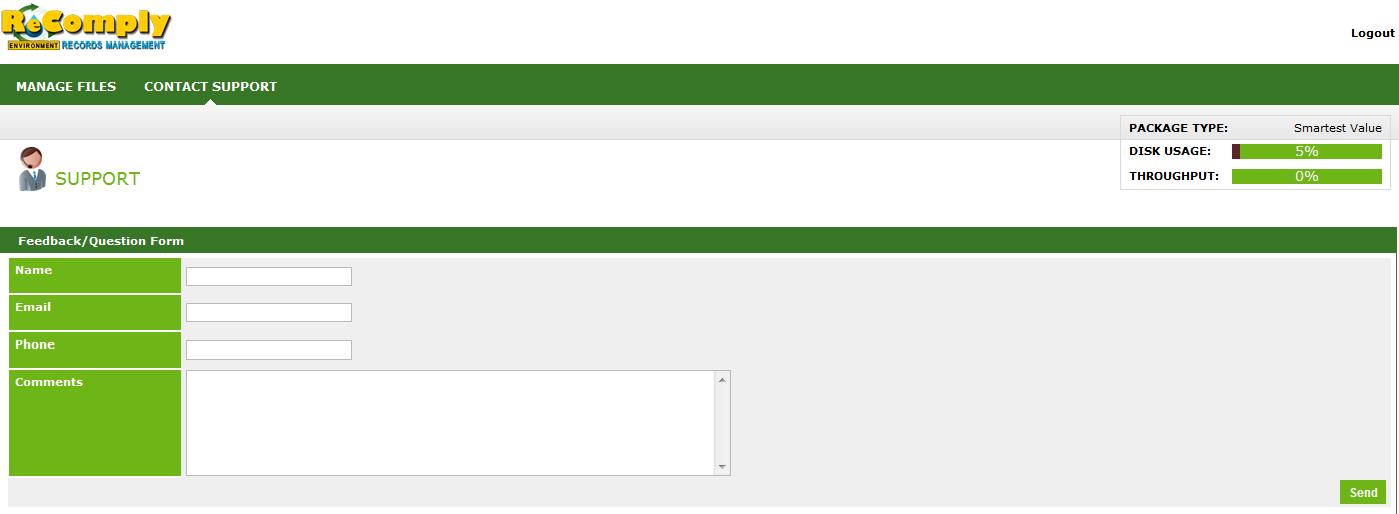
If you come across any issues or have any questions, the Contact Support link at the top left of the page allows you to
send us a quick email. Of course, you can also email as directly at RecomplySupport@recomply.com, or give us a call at
1-888-374-7475 to speak to one of our representatives who can assist you with any of your concerns.